How to Track What's in Your Storage Boxes (The Complete System)
Most people pack boxes in a hurry and pay for it later. Weeks or months down the line, they're standing in front of a wall of boxes with no idea what's where. The box that clearly said "Miscellaneous" could contain anything from a passport to a potato masher.
A storage box contents tracker fixes this — not just by labeling boxes better, but by creating a living, searchable system for everything you own in storage. This guide walks you through the complete method, step by step.
Why Traditional Box Labeling Fails
Before diving into the solution, it's worth understanding why the usual approach breaks down. Most people label boxes with one of three strategies:
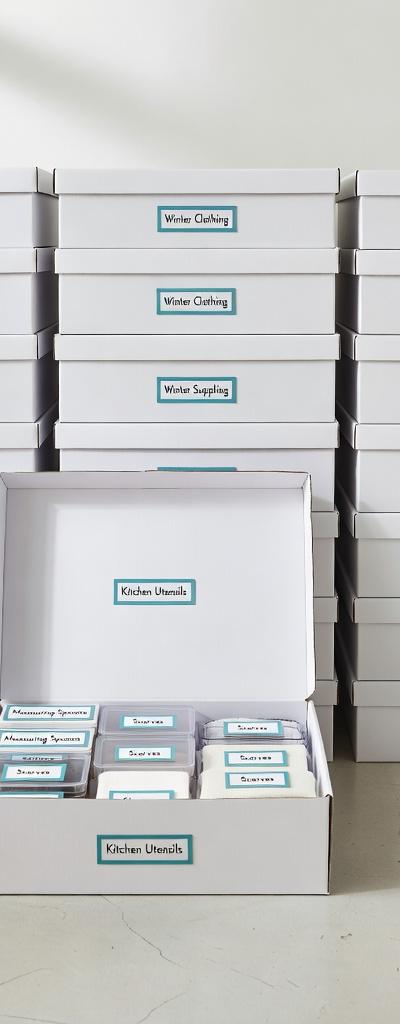
The room method — "Kitchen," "Bedroom," "Living Room." Fine for knowing which room boxes go to, useless for finding a specific item inside.
The category method — "Books," "Clothes," "Electronics." Better, but still vague. Which books? Which electronics?
The detailed label method — Writing every item on the outside of the box. Sounds thorough until you run out of space after five items, the marker smudges, or you add more things after labeling.
None of these methods give you a searchable, updatable record of your storage box contents. That's what a storage box contents tracker solves.
What a Storage Box Contents Tracker Actually Does
A storage box contents tracker is a digital system — usually an app — that lets you:
- Log every item going into each box as you pack
- Search the entire inventory from your phone
- Instantly find out which box any item is in
- Update the contents list when things change
- Share access with others via QR codes or shared lists
The result is a complete, searchable map of everything in storage. It takes a little time upfront — usually 30–60 extra seconds per box — and saves enormous amounts of time every time you need to find something.
The Complete Storage Box Contents Tracking System
Here's the full method, from packing day to finding anything in seconds.
Phase 1: Setting Up Your Tracking System
Before you pack a single item, set up your tracker. Download Smart Box List (it's free) and create your first box. You can name boxes by number (Box 1, Box 2) or by contents category — whatever makes sense for your situation.
Decide on a numbering or naming convention and stick to it. For most people, numbered boxes (1, 2, 3...) combined with a location tag ("Garage — Box 1") works best. The location tag helps when boxes are spread across multiple rooms or storage spaces.
Phase 2: Packing With Intention
The golden rule of organized storage: pack by category, not by room.
Room-based packing leads to chaos because rooms contain a jumble of unrelated items. Category-based packing means each box has a logical theme — and that makes both tracking and retrieval much faster.
Good box categories:
- Kitchen tools and utensils
- Cooking appliances
- Books by genre or author
- Winter clothing
- Holiday decorations by holiday
- Sports equipment by activity
- Office supplies and stationery
- Important documents
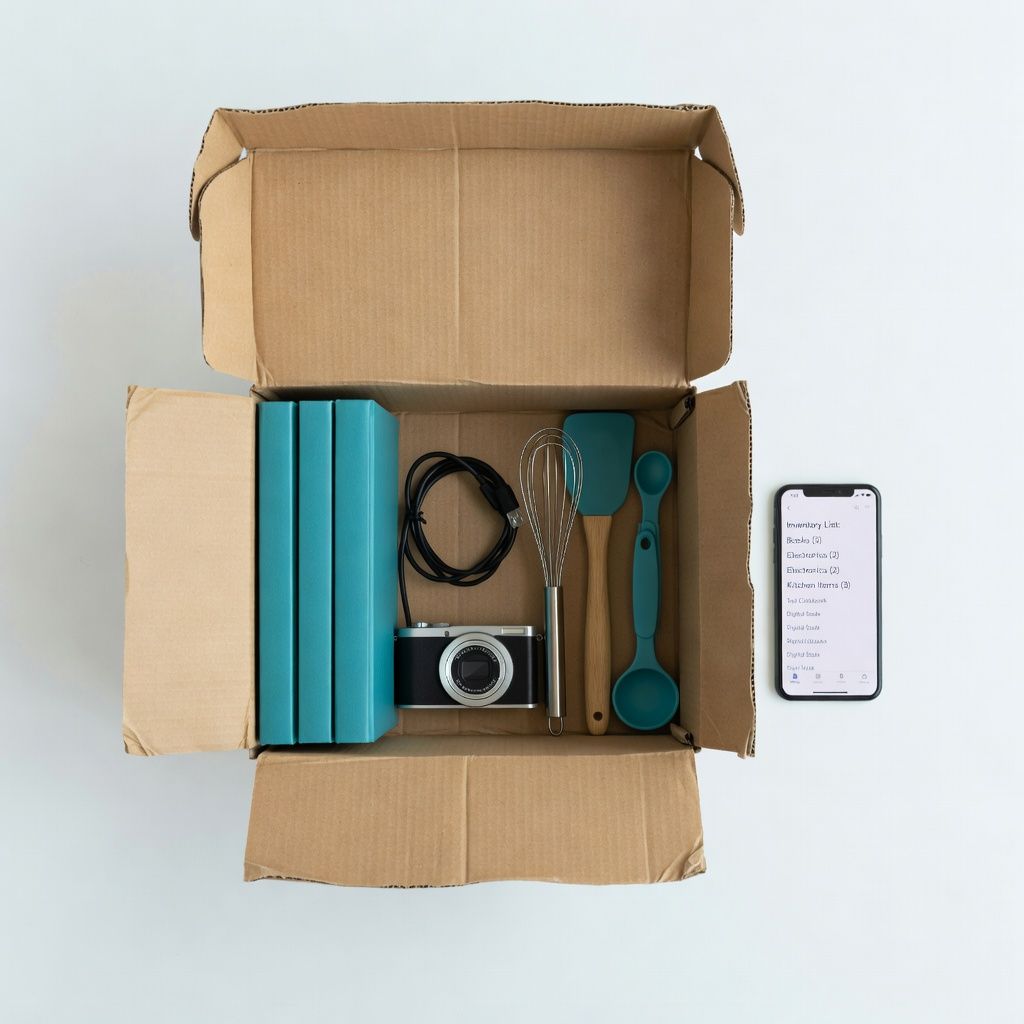
As you place each item in the box, add it to the Smart Box List app. A brief, searchable description is all you need. "Blue casserole dish," "passport and birth certificate," "Kindle charger" — the kind of terms you'd actually search for later.
Phase 3: Labeling Your Boxes
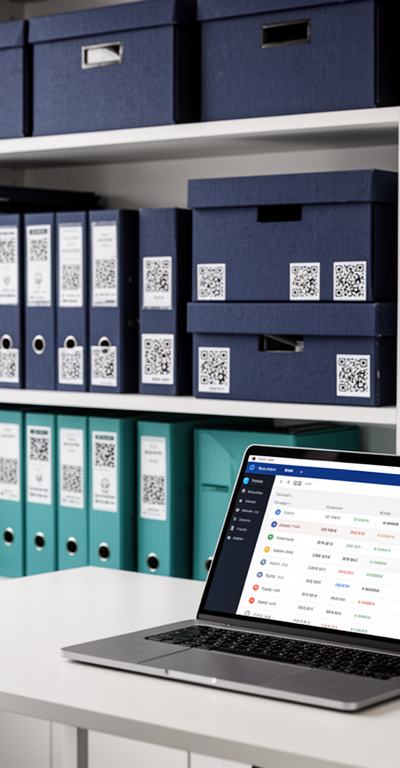
With Smart Box List, you can print QR code labels for each box. Stick the label on two sides of the box (so it's visible regardless of how the box is stacked). Anyone with a smartphone can scan the QR code and instantly see the full contents list — no app download required.
For extra redundancy, write the box number on the label in large marker too. If the QR code gets damaged, you can still look up the box number in the app.
Phase 4: Placing Boxes Strategically
Your tracker also helps you make smarter decisions about where to put boxes. Items you'll need frequently should go near the front of your storage unit or on accessible shelves. Items you won't touch for years can go in the back or on top.
Note the location in your tracker. "Box 12 — back left corner, bottom stack" is genuinely useful information six months later.
Phase 5: Finding Anything in Seconds
This is where the system pays off. When you need something:
- Open Smart Box List
- Search for the item by name
- See exactly which box it's in
- Go directly to that box
No guessing. No opening random boxes. No half-hour searches through your storage unit. Just search, find, retrieve.
Tips for Better Storage Box Contents Tracking
Be specific when logging items. "Lamp" is less useful than "Tall white bedside lamp." The more specific your descriptions, the easier it is to find things later.
Use consistent terminology. If you call something a "throw" in one box and a "blanket" in another, searching for either might miss items. Pick one term and use it consistently.
Log items as you pack, not after. It's tempting to pack the whole box and then log everything at once. Resist this — you'll forget items and the list becomes unreliable.
Don't forget the small stuff. Phone chargers, remote controls, small accessories — these are often the hardest things to find. Log them.
Update the tracker when boxes change. If you remove something from a box or consolidate boxes, update your tracker immediately. An outdated list is worse than no list.
Take a photo of valuable items. Smart Box List lets you add notes and details. For valuable or fragile items, a quick description note adds useful context.
How Long Does It Take to Set Up?
The honest answer: it takes slightly longer to pack with a tracker than without one. Most people find it adds about 30–60 seconds per box.
But consider what that buys you. If you have 30 boxes, that's 15–30 extra minutes during packing. In exchange, every future retrieval takes seconds instead of potentially hours. If you access your storage even a few times, the time investment is returned many times over.
The Right Tool Makes All the Difference
A good storage box contents tracker needs to be fast to use, reliable, and accessible from your phone. Smart Box List checks all three boxes — and it's completely free.
No subscription fees. No premium tiers. No "your storage is almost full" warnings. Just a clean, simple app that does exactly what it promises.
If you have boxes in storage — whether that's a spare room, a garage, or a paid storage unit — setting up a contents tracker is one of the most practically useful things you can do. Start with your next box. By the time you've packed five, it'll feel automatic.
Track Every Box. Find Everything. Free Forever for Launch Signups.
Join people who want a searchable record of what's in their boxes. Free forever for anyone who signs up during the Launch Period.
Get Organization Tips in Your Inbox
Join readers who get our best storage tips, organizing guides, and Smart Box List updates — free, every month.
- Monthly organization tips
- Early access to new features
- No spam, ever. Unsubscribe anytime.
Join 2,000+ subscribers getting organized.
🔒 Your email is safe with us. No spam, ever.
Mike Roberts
Expert in organization and efficiency, sharing insights on how to streamline your space and life with Smart Box List.